|
|
|
|
|
|
|
| |
|
|
|
|

|
DA Document Manager Screenshots
|
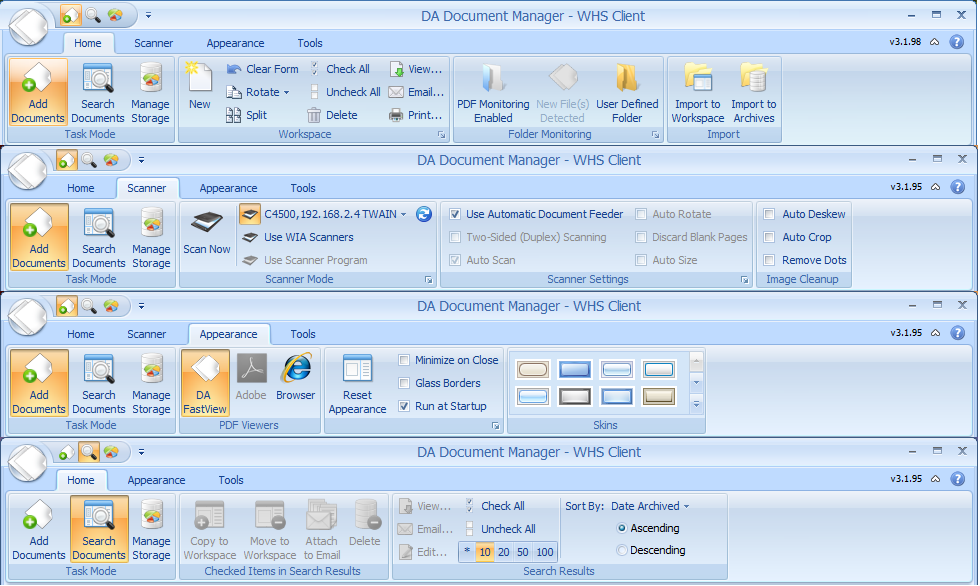 |
User Interface: New Ribbon
The DA Document Manager Client has a brand new User Interface. We have embraced the new Microsoft Office Ribbon. This will stream line your actions and make only the features that apply to your mode of operation are available when you need them. This will save you time and help you to become even more effiecent.
|
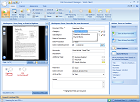 |
Client Console: Add Document
The DA Document Manager Client Console allows you to scan or print documents for storage in your digital archives. The console allows you to use your existing scanner software or any PDF writer or printer to capture your document for archiving. Once your document has been "digitized" or you scan a new document or image, you can save it to your archives according to your own keywords, categories and tags for fast and easy recall at a later time. You may also delete or reorder pages as needed before and after you archive your document with a few clicks. It really is that easy.
|
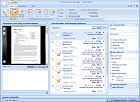 |
Client Console: Easy to use Search Tool
DA Document Manager allows you to search your archives by the Titles, Keywords, Descriptions, Dates or Tags that you entered when you archived the document. You can find your Bank Statements, Brokerage Statement and more. Simply type your search criteria into the search field and press enter. Before you know you will have exactly what you need. The best part is that the Workspace Viewer allows you to preview an archive just by simply clicking on it.
|
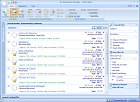 |
Client Console: Workspace Viewer turned Off
DA Document Manager allows you to search your archives without the Workspace Viewer. If you would prefer the Workspace Viewer may be completely collapsed so that you have no preview. To open a document all you will need to do is click the blue hyperlinked document Title and the PDF Viewer of your choice will pop open with your archive. Want the Workspace Viewer back on using typical Windows conventions or the Reset Appearance button on the Appearance tab will bring it back.
|
 |
Manage Storage
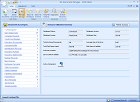
DA Document Manager allows you to manage storage and your archives effectively. From this client window you can with just one click of your mouse, initiate a search based on any category you select. Plus you may have the need to import a large number of files Import to Archives is your answer here, quickly and effiectively import numerous archives and all with just a few clicks. Also, check the status of your archives and make sure that you are good on hard drive space.
|
 |
Server Console: Windows Home Server
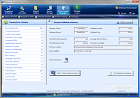
The DA Document Manager - Windows Home Server Console allows you to monitor the status of your digital archives on the server. The console also allows you to make critical backups to external hard drives or memory USB Flash drives for storage in your safe or safety deposit box. This is also the place where your licensing is completed and the storage location for the DA Document Manager client installation program files, making work station or client setup a breeze.
|
|
|
|
|

|
|
|
|
|
|
|
|
|
|
|
|